Guides
What Is an AI Second Brain? A Plain-English Guide
An AI second brain is a searchable knowledge base that captures what you save and uses AI to organize, summarize, and answer questions across it.
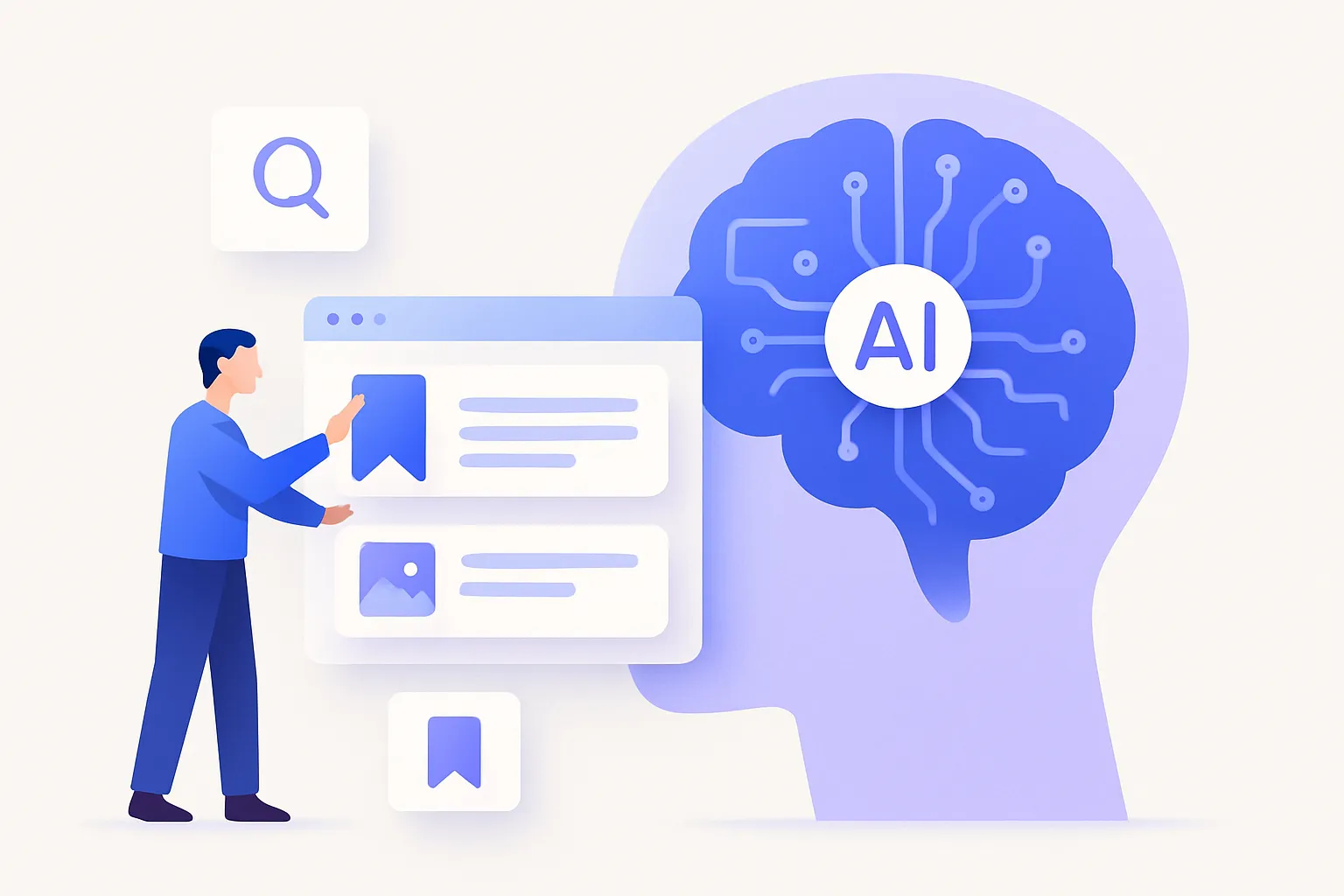
An AI second brain is a personal knowledge base that captures everything you save — articles, bookmarks, videos, and notes — and uses AI to organize, summarize, and search it by meaning. The key difference from an ordinary notes app: it can answer questions across your whole library, so you retrieve ideas by describing them instead of remembering where you filed them.
The phrase “second brain” has been around for years. What changed in 2026 is that AI finally made the retrieval half work. Here’s what that means and whether you need one.
What is an AI second brain, exactly?
It’s software that does three things your biological brain is bad at: storing everything reliably, organizing it without effort, and recalling the right thing on demand. The “AI” part is what handles the organizing and recalling automatically.
A traditional second brain (think a folder system or a wiki) stores everything but leaves the organizing and finding to you. An AI second brain takes that work off your plate — it tags and summarizes saves as they come in, and finds them by meaning when you go looking.
How is an AI second brain different from a normal notes app?
A normal notes app is a filing cabinet: great at capture, weak at retrieval. You can save anything, but six months later finding a specific note means remembering exactly which folder and which words you used.
An AI second brain flips the hard part:
- Capture — save a link, clip an article, or jot a note in a couple of taps.
- Organize — AI auto-tags and summarizes each save, so structure happens without you.
- Retrieve — describe what you remember in plain language and semantic search finds it by meaning.
- Synthesize — ask a question and the tool answers using your saved content, not the open web.
Marqly is an example of this kind of tool: you save articles, videos, and notes, and it auto-tags, summarizes, and lets you search the whole thing by meaning.
How does the AI part actually work?
Two technologies do the heavy lifting. Embeddings convert your saves and your search queries into a representation of meaning, which is what makes semantic search possible — “phone addiction in kids” can find a save titled “Screens and the Developing Brain.” Language models read your content to generate summaries, suggest tags, and answer questions across multiple saves at once.
You don’t have to understand the plumbing. What you notice is that filing disappears and finding gets reliable.
What can you do with an AI second brain?
- Find anything by memory. Search “the essay about a founder who burned out” and get it, even with no matching keywords.
- Skim before you read. AI summaries tell you what a long save is about so you can decide whether to dive in.
- Ask your own library. “What did I save about pricing strategy?” returns a synthesized answer drawn from your saves.
- Stop organizing. Auto-tagging means the structure builds itself as you save.
Do you actually need one?
If you save things constantly but rarely find them again, yes. The bottleneck for most people was never capturing information — it’s retrieving it months later from a pile that keyword search and folders can’t navigate.
An AI second brain fixes that bottleneck. If the idea of describing a half-remembered article and instantly getting it back sounds useful, Marqly is a free way to try it on web, iOS, and desktop. Save a few things, wait a week, then search by meaning — that’s the whole pitch, and it either clicks or it doesn’t.
Frequently asked questions
- What is an AI second brain?
- An AI second brain is a personal knowledge base that stores everything you save — articles, notes, videos, and bookmarks — and uses AI to organize, summarize, and search it by meaning. Unlike a traditional notes app, it can answer questions across your whole library instead of just storing files you have to find yourself.
- How is an AI second brain different from a regular second brain?
- A traditional second brain relies on you to tag, file, and link everything by hand. An AI second brain automates that: it auto-tags and summarizes saves on capture and lets you retrieve them by describing what you remember. You do less filing and get more reliable recall.
- Do I need an AI second brain if I already use a notes app?
- If your notes app captures fine but you can never find things later, an AI second brain helps. The difference is retrieval: semantic search and AI Q&A surface the right note from a vague memory, where a folder-based notes app forces you to remember exactly where you put it.
- Is an AI second brain safe for private information?
- It can be, but check the tool's privacy policy and data handling before saving sensitive material. Look for clear statements on encryption, whether your content trains shared models, and export options. Reputable AI second brains let you export everything and keep your library yours.