AI Search
How to Chat With Your Saved Articles and Bookmarks
Chatting with your saved articles means asking questions in plain language and getting AI answers drawn from your own bookmarks, notes, and saves.
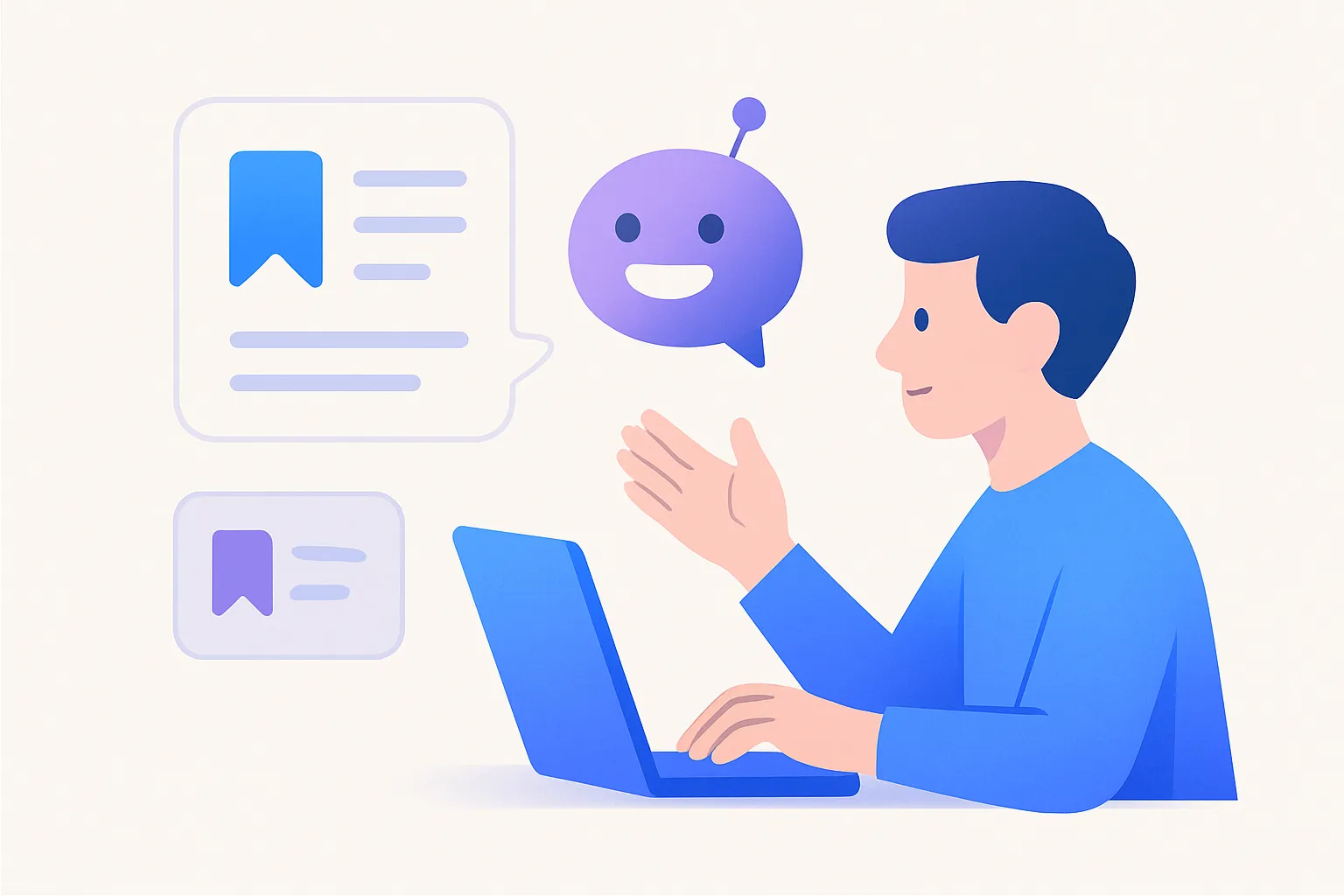
Chatting with your saved articles means asking questions in plain language and getting AI answers drawn from your own bookmarks, notes, and saves — not the open web. You ask “what did I save about remote-work pay?” and the tool reads the relevant articles in your library, synthesizes an answer, and shows you which saves it came from.
It’s the difference between a search box that hands you ten links and an assistant that actually reads them and tells you the answer. Here’s how it works.
Can I chat with my saved articles?
Yes — if your bookmark manager has AI Q&A over your library. Instead of returning a list of saves for you to open and read, it answers your question directly, using the content of the saves that are relevant.
So you ask a real question — “what were the main arguments against open-plan offices?” — and get a synthesized answer pulled from the articles you saved on the topic, with sources attached.
How is this different from a normal AI chatbot?
A general chatbot answers from its training data and the public internet. Chatting with your bookmarks answers only from your saved content. That changes everything about trust:
- Grounded in your sources. Answers reflect material you already chose and trust, not random web pages.
- Personal, not generic. It knows what you saved about a topic, not the internet’s average take.
- Verifiable. Good tools cite which saves an answer came from, so you can click through and check.
Marqly can answer questions across your whole saved library this way — articles, videos, and notes — so a question searches everything you’ve ever clipped at once.
How do I chat with my bookmarks, step by step?
- Build up a library. Save the articles, videos, and notes you care about; the AI tags and summarizes them automatically.
- Ask a real question. Type it the way you’d ask a colleague: “what did I save about sleep and productivity?”
- Read the synthesized answer. The tool pulls from the relevant saves and answers directly.
- Check the sources. Click through to the underlying saves to verify and read more.
What can you actually use it for?
- Clear your read-it-later backlog. Ask what a long unread article says instead of reading all of it.
- Pull together research. “Summarize everything I saved about AI regulation this year” across dozens of saves.
- Recall a detail. “Which article mentioned the 90-minute focus cycle?” — answered, with the source.
- Compare viewpoints. “What are the arguments for and against four-day weeks in my saves?”
Is it accurate?
It’s as accurate as the sources you fed it — which is the point. Because the AI draws only from your library, not the open web, you can trace any claim back to the exact article it came from. Tools that cite their sources let you verify in one click, which is far more trustworthy than an unsourced answer from a general chatbot.
That said, treat it like a sharp research assistant, not an oracle: it’s excellent at surfacing and synthesizing what you saved, and you stay in charge of judging the sources.
Turn your saves into answers
Most people’s bookmarks are a graveyard of good intentions — articles saved and never reopened. Being able to ask that pile turns it from dead storage into a working knowledge base.
If you want to ask questions across everything you’ve saved and get sourced answers back, Marqly is built for exactly that and is free to try on web, iOS, and desktop. Save what matters, then start asking your own library.
Frequently asked questions
- Can I chat with my saved articles and bookmarks?
- Yes. AI bookmark managers let you ask questions in plain language and answer from your own saves rather than the open web. You can ask 'what did I save about pricing?' and get a synthesized response drawn from the relevant articles and notes in your library, with the sources cited.
- How is chatting with my bookmarks different from a normal AI chatbot?
- A normal chatbot answers from its general training data and the public internet. Chatting with your bookmarks answers only from what you saved, so the response reflects your own curated sources. That makes it grounded in material you already trust instead of generic web content.
- Do I need to read an article before I can ask questions about it?
- No. That's part of the appeal — you can save long articles you never got around to reading and still ask what they say. The AI reads the content for you and answers your question, which is useful for clearing a backlog of saves you meant to read.
- Is asking my saved articles accurate?
- It's as accurate as your sources, and good tools cite which saves an answer came from so you can verify. Because the AI draws only from your library rather than the open web, you can trace any claim back to the article it came from instead of trusting an unsourced response.